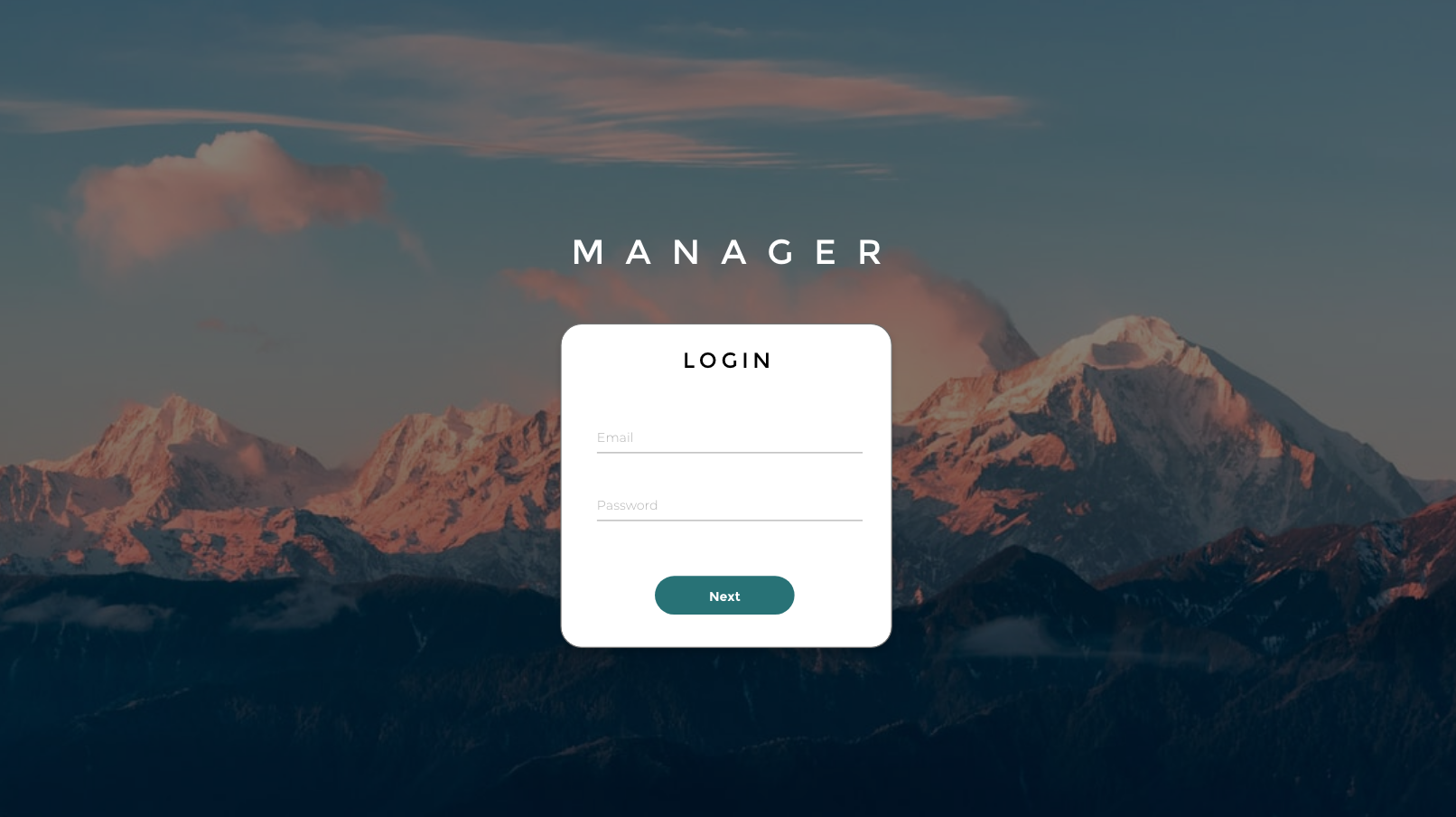
01 / The Manager

KYC
Compliance
Tool

Redesigning an internal KYC and customer service platform for a financial services company.

Role Lead UX/UI Designer
Team 1 PM · 2 backend devs · CS team
Timeline 3 months
Status Shipped · NDA
compliance.tool / login
The Manager KYC compliance dashboard — final UI

A platform agents
could finally work with

bolt
Faster KYC reviews
Agents reported significantly faster handling of KYC reviews after launch.
arrow_downward
Dropped confusion
Escalations tied to UI confusion dropped noticeably following the redesign.
linear_scale
Built to scale
The new architecture let the team move faster in the following quarter without rebuilding foundations.

A tool designed for
the database, not the person

The existing tool was built feature-by-feature over several years. Customer service agents — the actual daily users — had been given a tool designed around database structure, not their workflow.

Common actions like "block a user" or "review a flagged account" required navigating through modals stacked with dense data tables. Mistakes were frequent, and agents were developing shadow workflows in spreadsheets.

No clear workflow state — users couldn't tell where they were in a review at a glance.

Critical information buried in nested tabs — 4+ clicks to reach a required document.

No error prevention — the system allowed submission of incomplete reviews.

Inconsistent terminology across screens — the same concept had 3 different labels.

1

Unnecessary use of space in the header

2

Clueless navigation — didn't say where you were

3

No info or efficient tools on the home page

1
2
3
Username
menu
menu
menu
Sub-Section
Sub-Section
Sub-Section
menu
CurrentMenu
Current Sub Section
Search FilterSearch tool

A lo-fi wireframe of how the Manager looked at the start of the project.

Lead designer,
end to end

  • Led design end-to-end — stakeholder interviews with the CS team, user flows, wireframes, UI system, and handoff
  • Partnered closely with the project manager on scoping and 2 backend developers on feasibility
  • Owned the information architecture
  • Decided to eliminate modal-based data tables
  • Made constrained use of Vuetify components to balance speed of delivery against custom UX needs
Tools used
Adobe XD Vuetify Whimsical Notion Maze
Client Info
Overview
Finance
Rewards
Compliance
KYC
Personal information received
Add new feature/section
Payouts
Batch
Search
Limits
Proposals
Roles & Staff
Staff
Roles

Because access varied by role, not every section applied to every user. What's shown below is a generalized version of that structure, adapted for confidentiality.

Try it — before
The old flow: a record opens a modal stuffed with a data table
Click any batch to see what customer-service staff faced — a pop-up modal hiding a full data table, with no screen or actions of its own.
All usernames and data shown are fictionalized — the real information is hidden for NDA purposes.
Accounts
Batches · Current sub section
Select a batch to review
List of Payouts
Search by
Payouts details Fee details VID payouts
FolioDateDestinatary AddressAmountBTC amountRateStatus
12/09/2020
12/09/2020 Pending
12/09/2020
12/09/2020 Pending
1 – 4 of 4

A coded wireframe of the final Manager UI — sensitive folio, address, and amount fields shown as skeleton placeholders for NDA.